AI video generator
Big idea.
Hit play.
Make an eye-catching scene from a prompt. Or turn one simple idea into a complete short—with the script, voice, visuals, captions, and edit already brought together.
Start with your own idea or a prompt that’s ready for your twist.
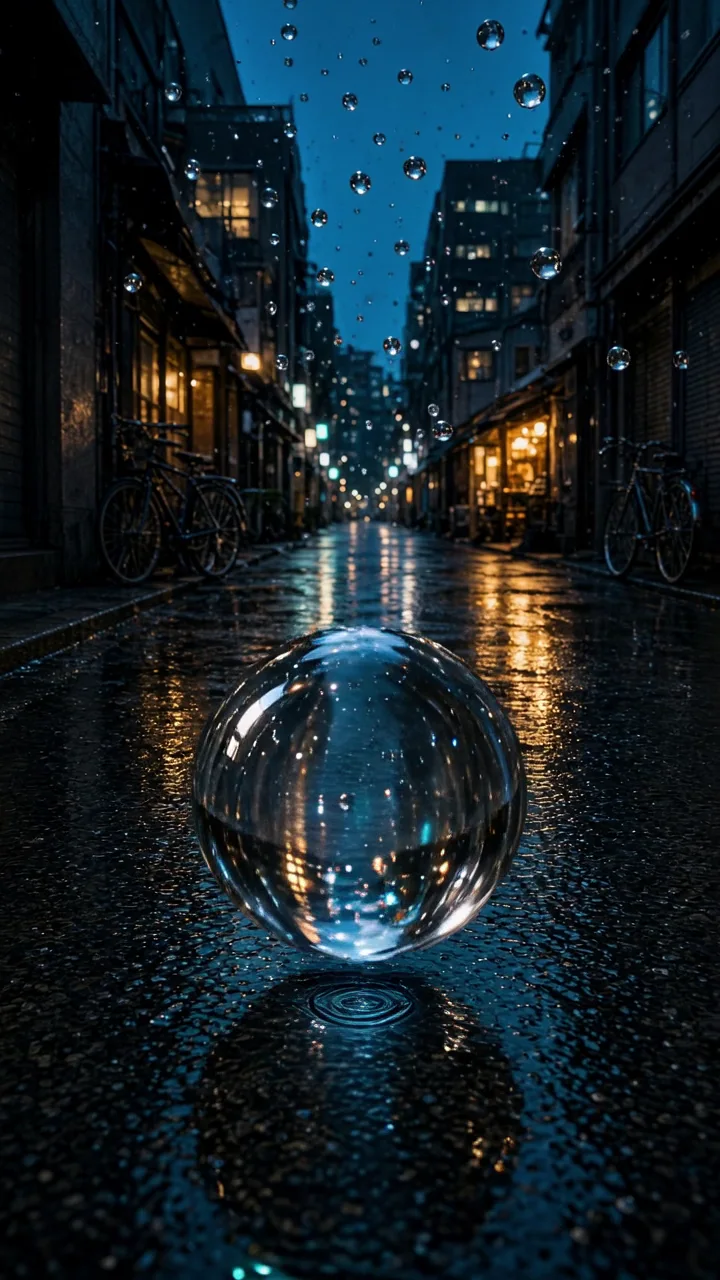 Impossible weatherMake my version ↗
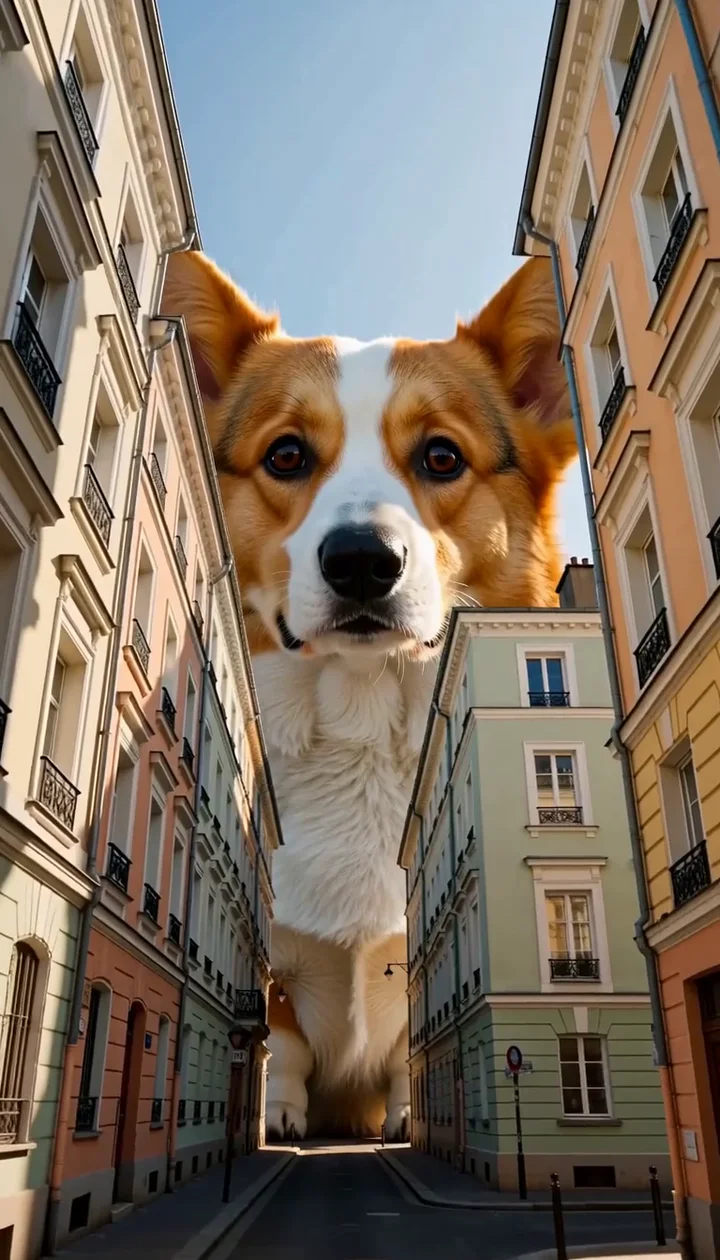 Pets, supersizedMake my version ↗
Made with Trending.com · Hover to preview
This is where the whole video comes together
One idea.
A complete short.
Stories, countdowns, confessions, and more.
Finished shorts around a minute long,
with each step open to your creative direction.
- 1
Give us the idea.
Choose a format and describe what it’s about. Or start with one of the prepared ideas in your dashboard.
- 2
We put it together.
The workflow connects your script, visuals, voice, captions, music, and timing as the format needs them.
- 3
Make it feel like you.
Review the result and download your short. Use Custom mode to adjust the script, voice, media, and finishing details.
Ready-to-go short workflows
Your next series
starts here.
Choose the kind of short you want to make.
We’ll take you straight to its creator.
What’s the difference between a clip and a short?
A generated clip brings one scene or action to life from your prompt. A complete short combines multiple steps into a finished video: the script, media, narration, captions, and edit, depending on the format.
Can I create a clip from text alone?
Yes. Describe the scene and what happens. Choose its length, shape, and sound, review the credit cost, then create. A reference image is optional.
How much can I customize a complete short?
Start quickly in Simple mode, or use Custom mode to work through the steps. Depending on your format, change the script, voice, visuals, captions, music, and timing before the final render.
What can I try for free?
Make one Simple mode short each day from the eligible formats. Standalone clips and images use credits separately. The creation form shows the cost before you start.